DaziT - Digital customs tools
Building an application framework and applications for a modern digital workflow in the customs offices of Switzerland
DaziT is one of the biggest digital transformation projects in Switzerland. It aims to make processes of the swiss customs digital and adapt to the requirements of data exchange between countries. During this project a whole suite of applications for different customs processes was developed. This includes goods declaration, approval management, tax exemptions, border controls etc.
As a part of the development the Quadrel application and UI framework was built. The goal was to leverage standardized components to reduce frontend development effort in the application teams, make maintenance easier and improve UX/UI consistency.
I worked here as a UX designer for close to 4 years and primarily worked with the application teams to plan user flows and make sure that the framework is used within its capabilities, standard design decisions are followed and UX best practices are considered. Further, I shared the requirements of applications in the framework team and made proposals or reviewed how framework extensions could work and bring value to the whole program.
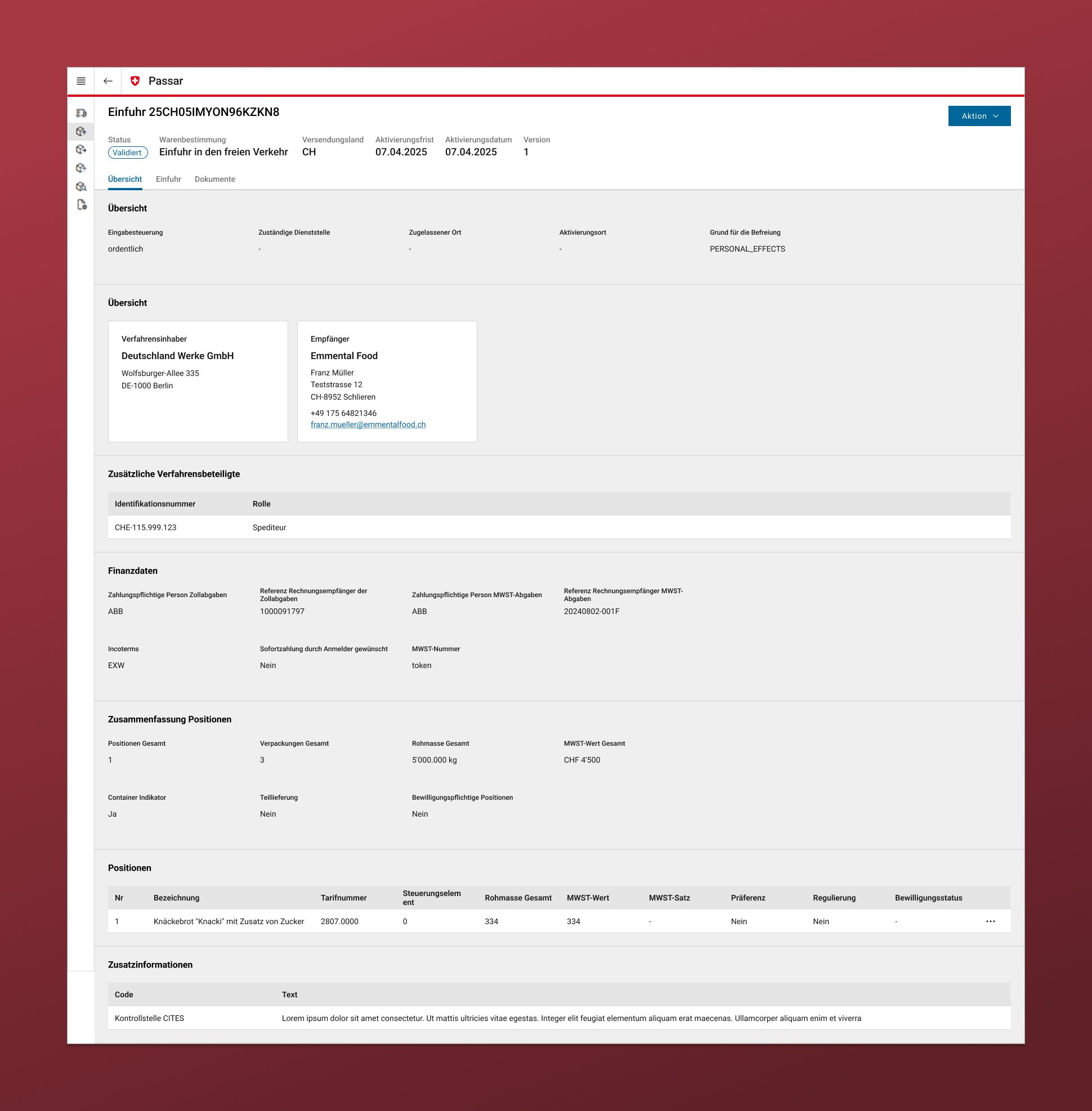
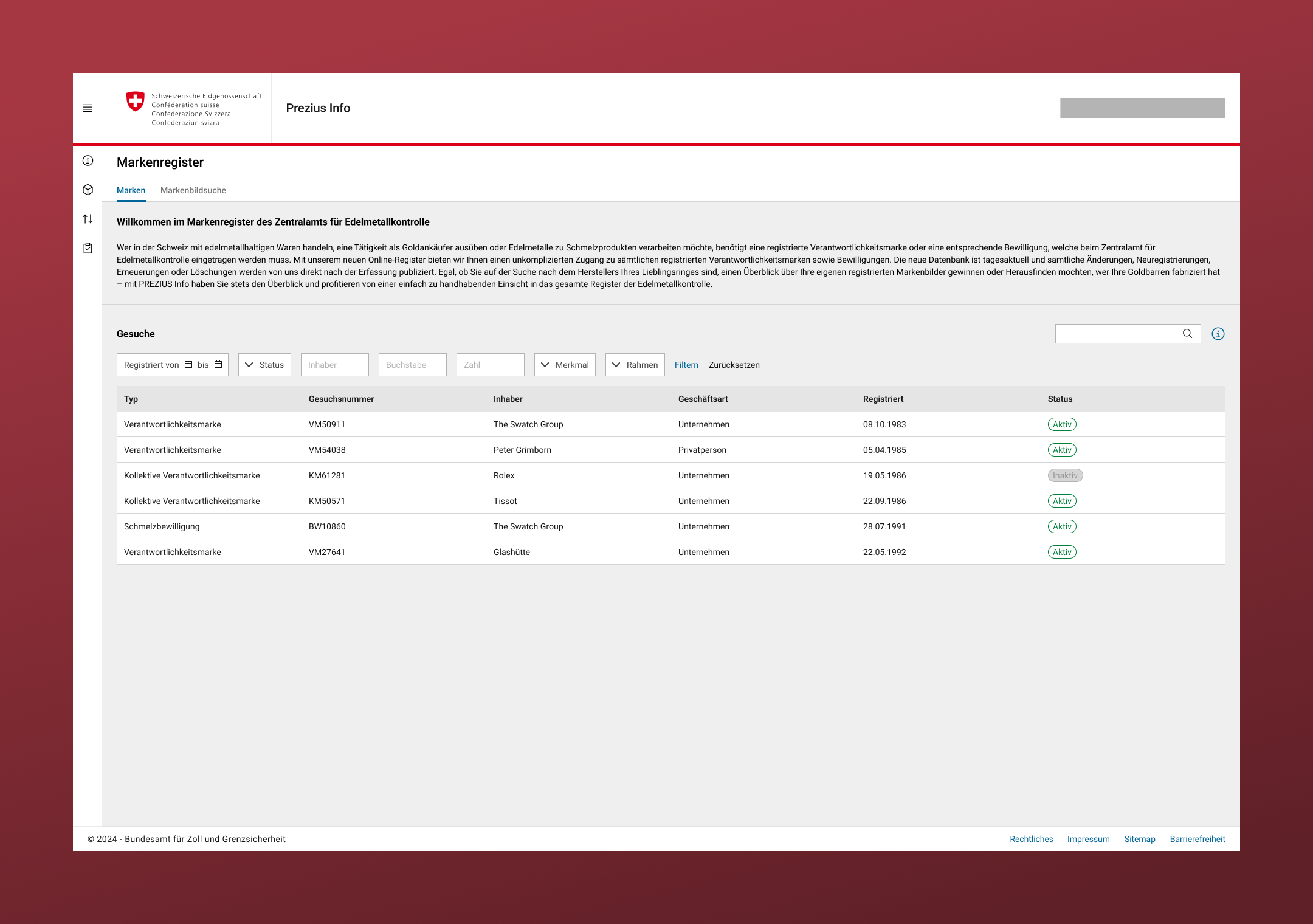
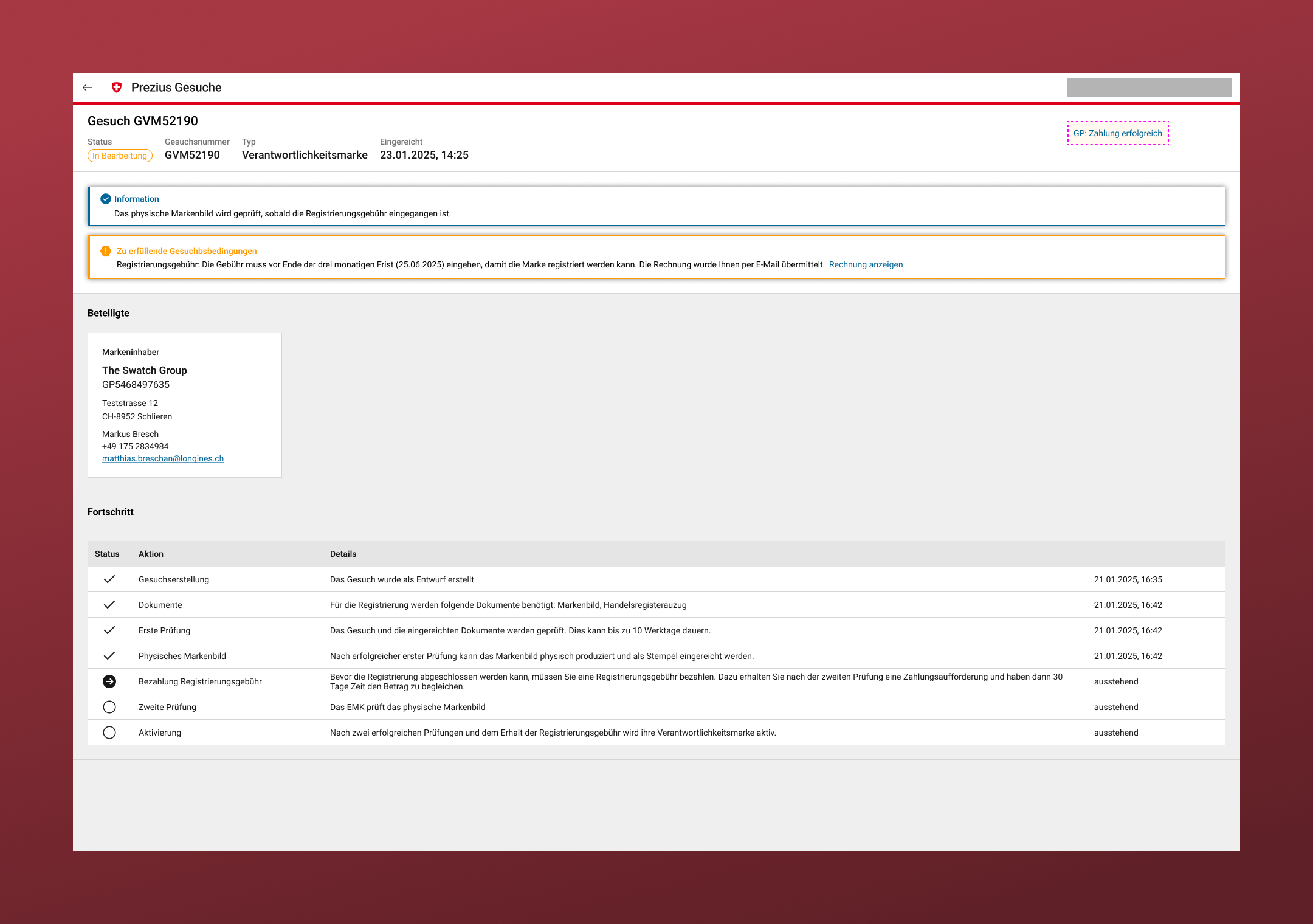
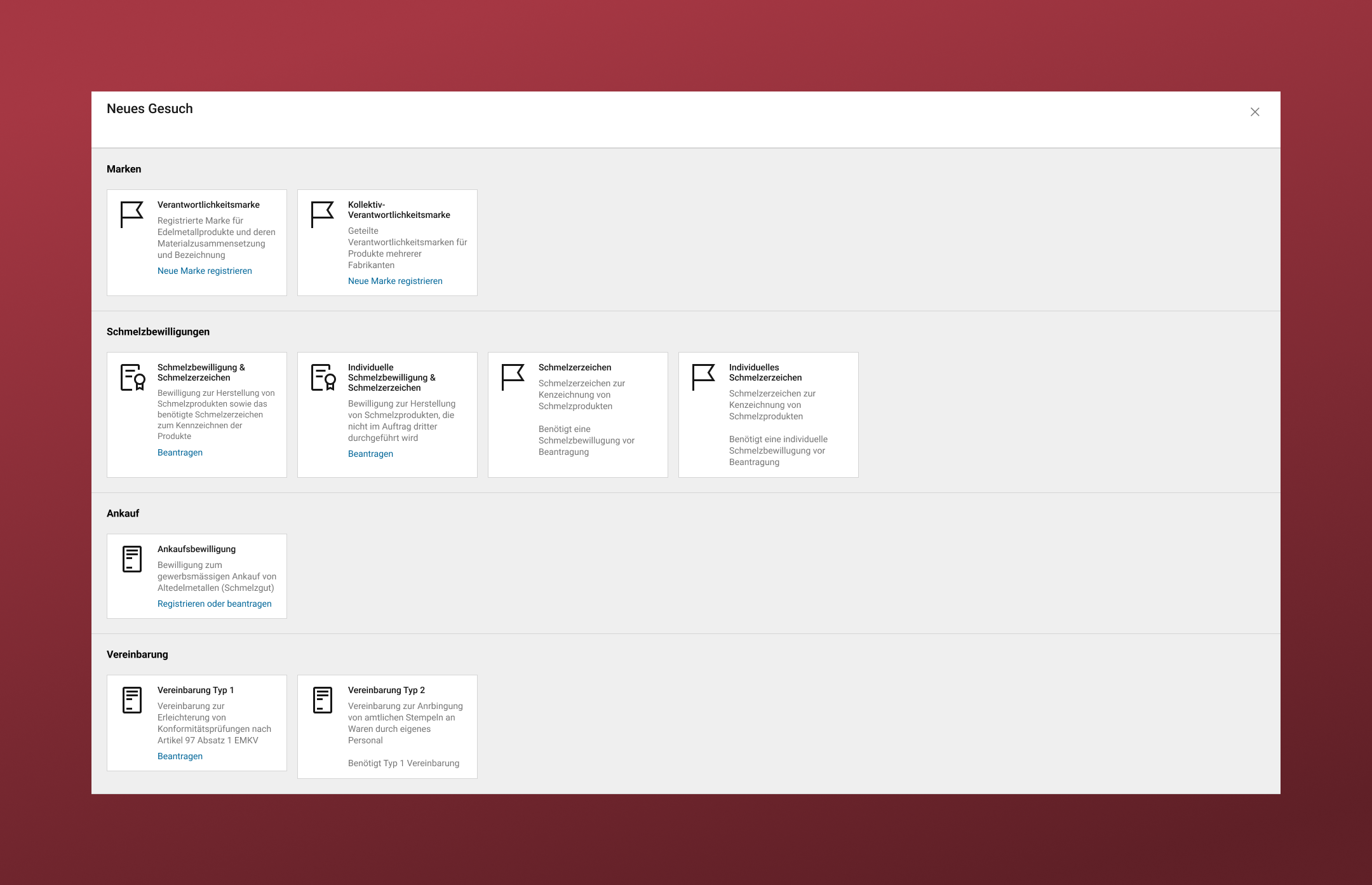
Application Design Process
A lot of different applications were built in this project. Processes are adapted from old software and paper-based processes but also new workflows that are required to comply with international standards, laws and data exchange protocols.
Planning and designing these applications required me to work with a variety of stakeholders to understand data, processes, priorities, user roles, user context, timing and so on. Getting a good understanding here made it possible to improve the user flows in several aspects like information hierarchy, guidance, execution speed and error avoidance.
The rough process looked something like this:
- Working out application requirements with business analysts (BA) and users
- Drafting user flows, collecting gaps in process knowledge as well as framework abilities
- Working with BAs to fill knowledge gaps
- Working with the framework team to figure out how to develop framework extensions or workarounds to the app requirements
- Preparing higher fidelity mockups and prototypes of the application in Figma
- Review with the prototypes with the framework team for feasibility as well as review with BAs stakeholders if requirements are met
- Iterate after testing and getting feedback from real world use
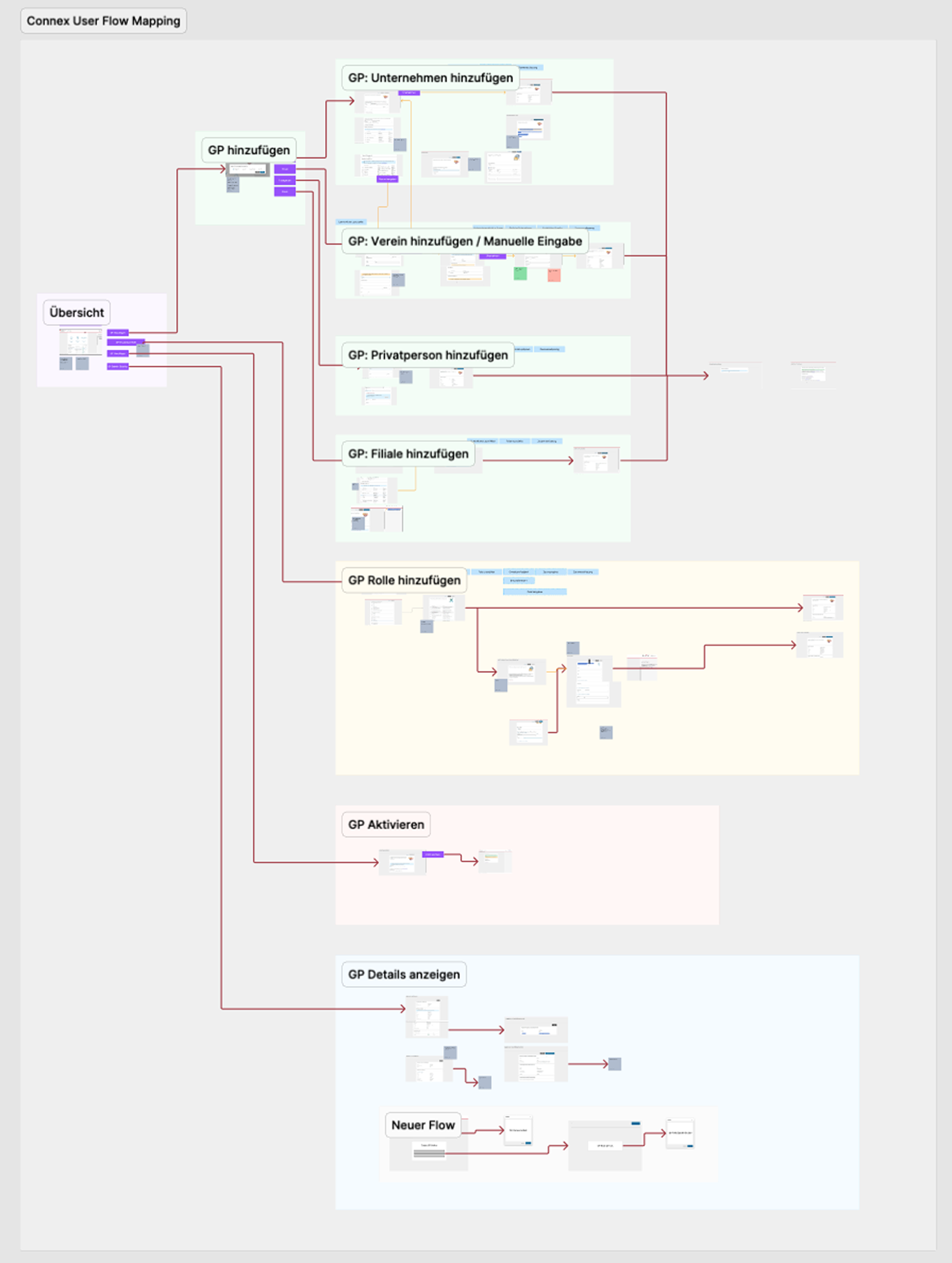
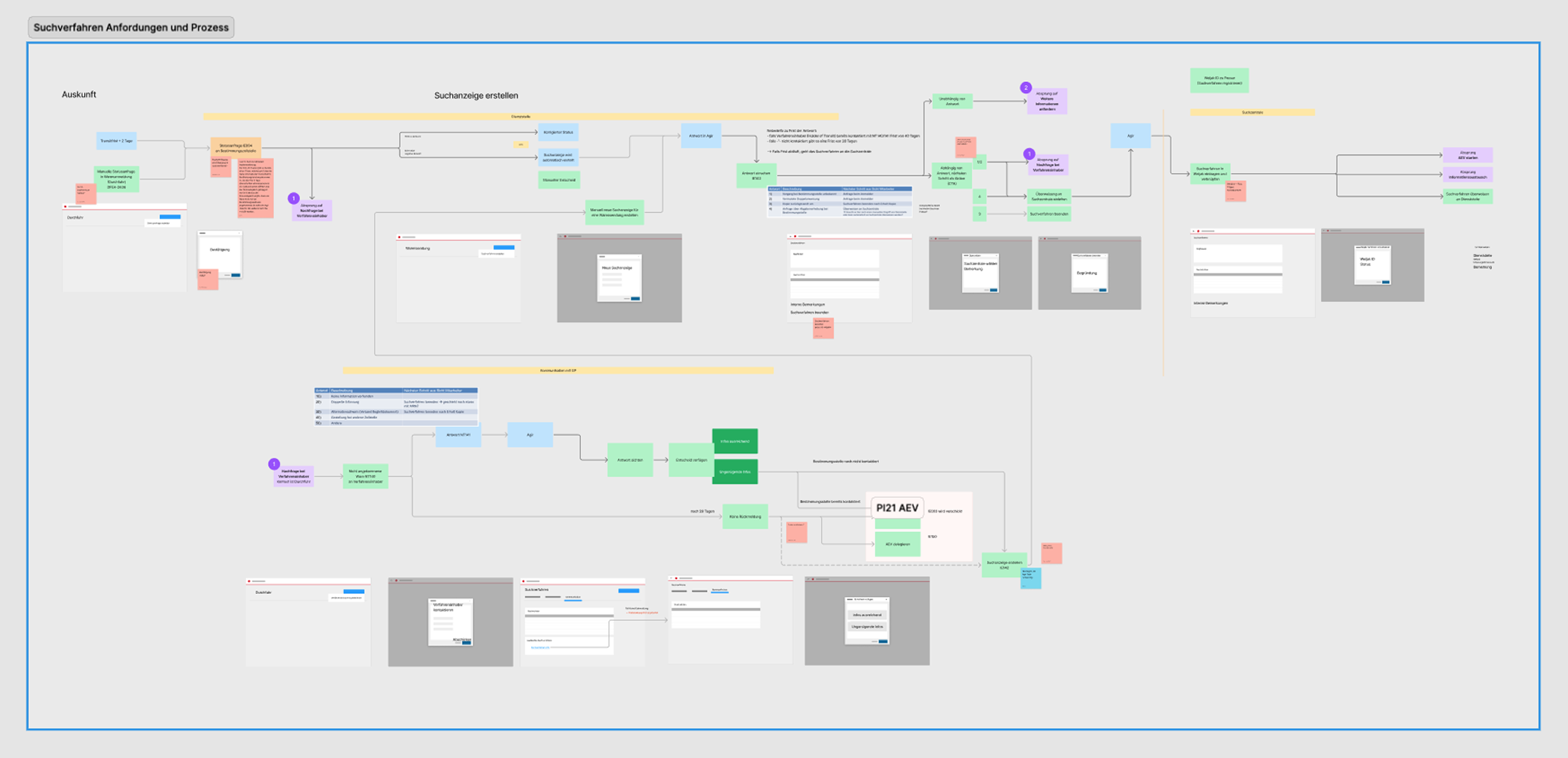
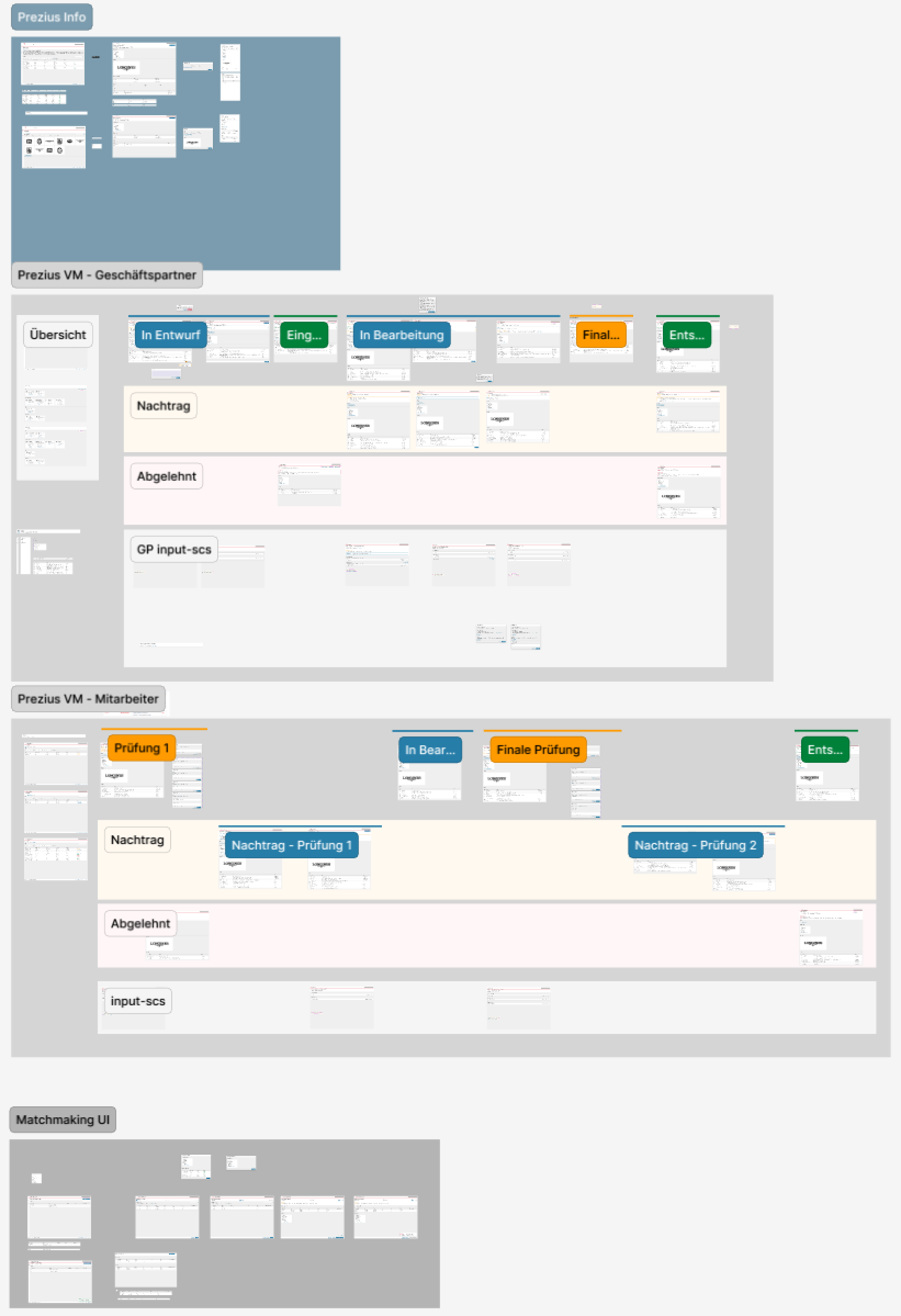
Challenges and UX impact
While working with the application teams to draft and plan new features we usually had to strengthen in the user-centered aspects into the processes.
- By developing and standard components and advise teams to use them in a standardized way we achieve consistent use across most apps. This lets users learn interaction patterns like table filter, sorting, button placements, overview to detail user flows and so on.
- Data complexity could be reduced often when we analyzed which fields are essential for each point of the flow. This made it easier for users to scan and filter lists and only see additional details when they decided to work on specific items and when a status or sub process was triggered. This made it easier and faster for the user to understand cases and states of their business objects.
- Table interaction like filters, sorting and pagination could be optimized for use cases to have less but more specific options. Results were in line with the users’ priorities and there was no need to switch between multiple filter setups and tabs. This leads to better decision making and less overlooked items.
Framework Design Process
The UI framework was developed in an agile way during the project and was constantly extended and improved to meet new requirements that were discovered while planning new applications. We had to always keep in mind how components could be made universal for a broad range of applications. This was the general process for framework extensions:
- Gathering and preparing of domain context and requirements
- Preparing mockups of currently available ways to solve the requirements with framework components
- Preparing drafts of framework extensions that serve the app requirements better
- Review and discussion of possible solutions and timelines with the framework team
- Iterating on component drafts based on review outcomes
- Creation of JIRA stories with necessary resources and decisions to prepare implementation by the development team
- Problem solving and iteration during development
- Quality assurance after development finished
FigJam Component Library
On top of our usual Figma component library I established a FigJam board that includes a majority of our components. This lets Business Analysts copy & paste those components to their own FigJam Boards and easily compose their own UI drafts. This has a few limitations but is very easy to learn and avoids more difficult concepts like the layer tree, auto layout and component configuration while allowing text changes and component variants. This was very valuable when we only had 1-3 UX designers to support 14+ application teams as it enabled BAs to prepare simple concepts and discuss them with stakeholders while upholding UI standards.
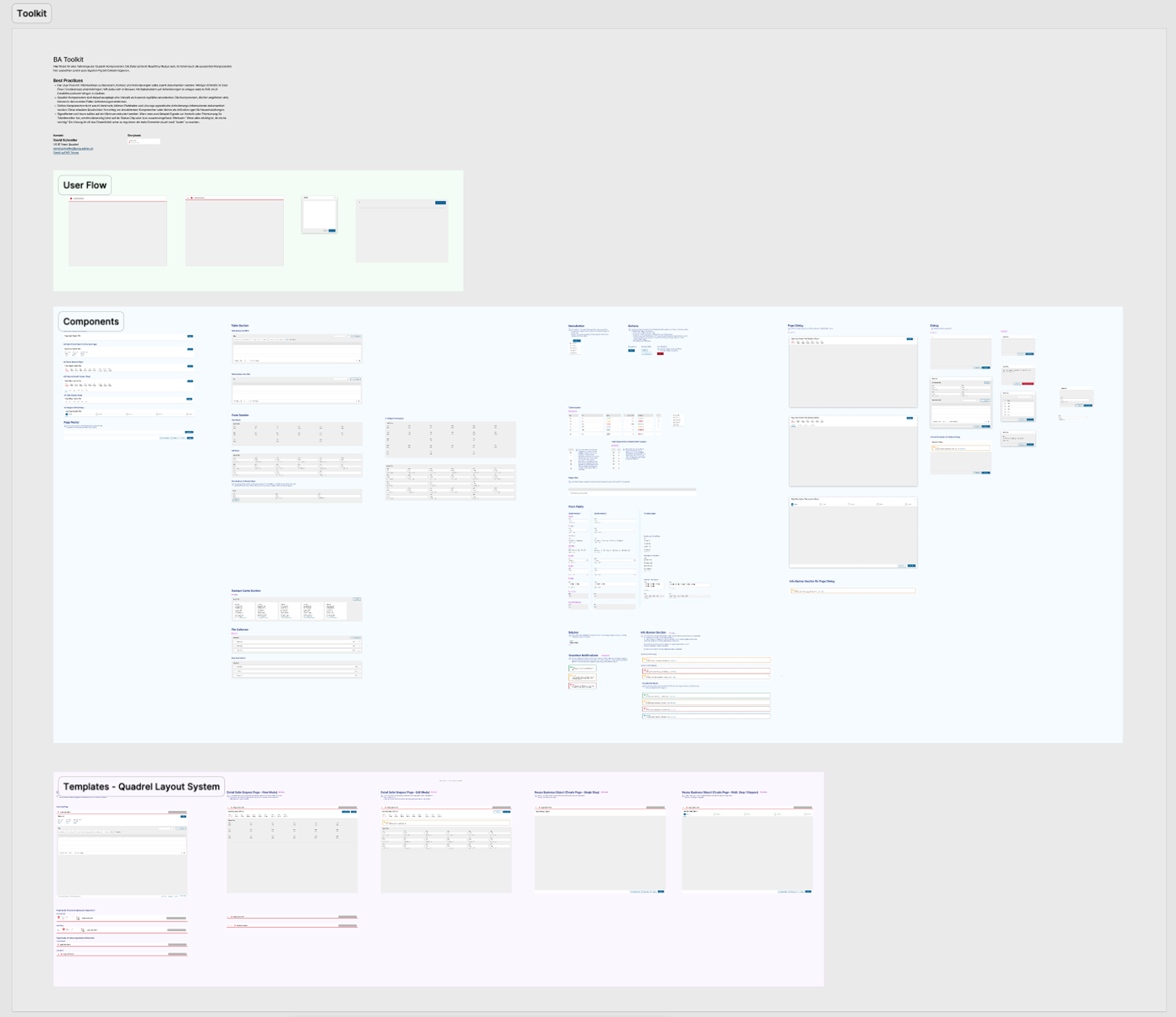
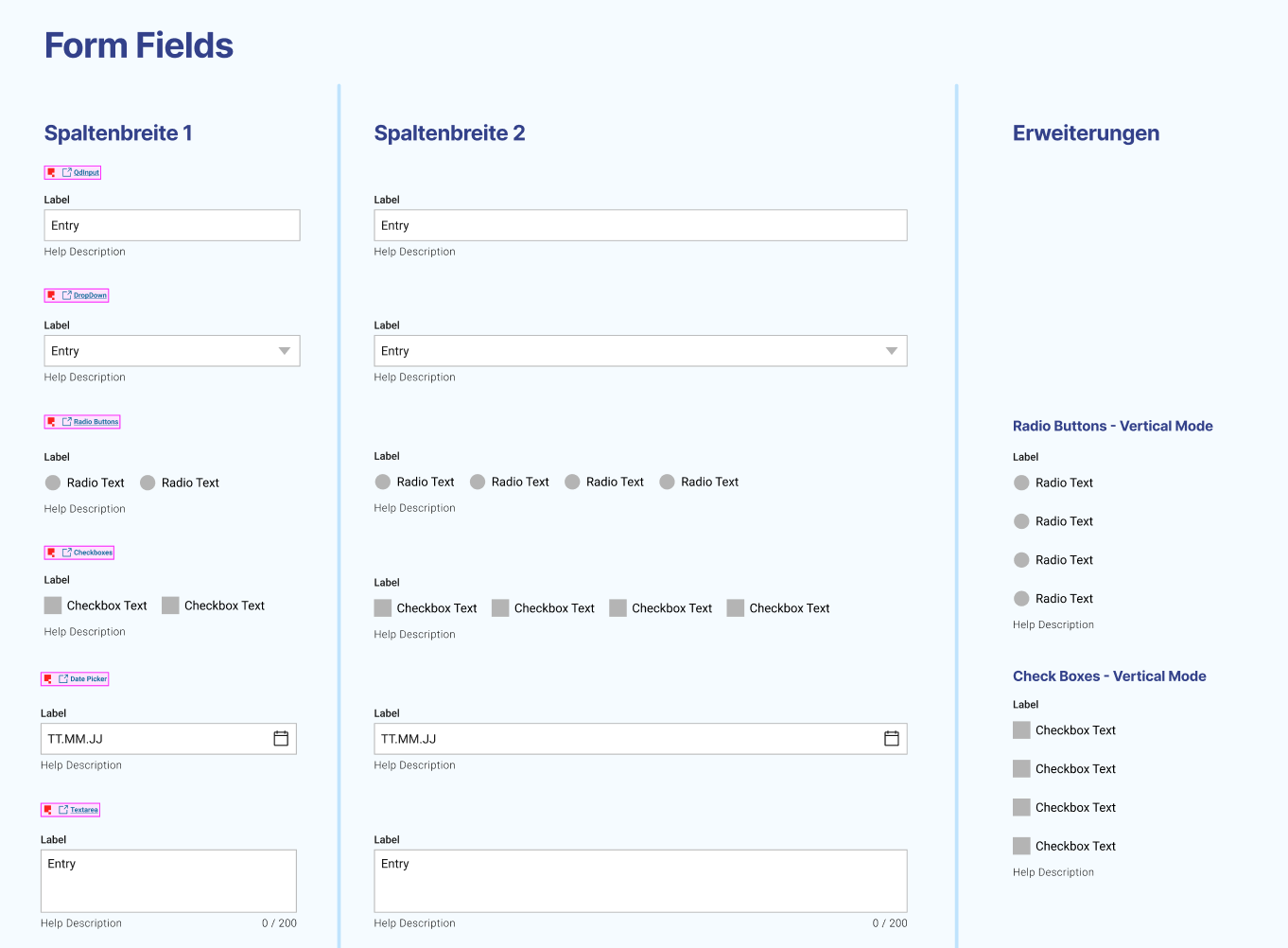
In this screencast you can see how the UIs can be quickly composed with the FigJam components.
Project Takeaways
-
There is a lot of potential to reimagine existing processes with the new possibilities of digital data exchange and processing in mind. UX designers that are included early on can analyze the context and draft new and efficient workflows.
-
In long-running, multi-team projects it’s hard to keep UIs consistent. The design system and UI framework helped to achieve much better consistency, but extending them for new features and achieving consistent adoption across teams remained challenging. Good communication and stakeholder buy-in might be something to improve on.
-
A changing framework and design system requires agility through the whole program to achieve shorter integration cycles and continuous improvement. If the framework can’t provide the full functionality in time, teams can provide a workaround or reduced functionality to be able to ship and test quickly. Later on, teams can adopt new components and best practices to improve their application and improve coherence through the whole range of products.
Project Specs
- Context
- Full time client project, embedded as a UX designer
- Duration
- 4 years
- Used skills
- Stakeholder management, BA collaboration, framework design, design systems, Figma, Figma components and library, Jira, SAFe
- Division of work
- Changing UX team with 0-4 other UX and product designers and a dev team for the framework